 Visualize GitHub Repo Structure, Generate Folder Trees in Seconds, Mermaid, Markdown & ASCII Formats, Create Folder Diagram, No Cloning Required, Git Tree, Supports Multiple Formats
Powerful Features
Everything you need to create stunning file tree visualizations
GitHub Integration
Connect directly to GitHub repositories and automatically generate file trees from your actual project structure.
Multiple Formats
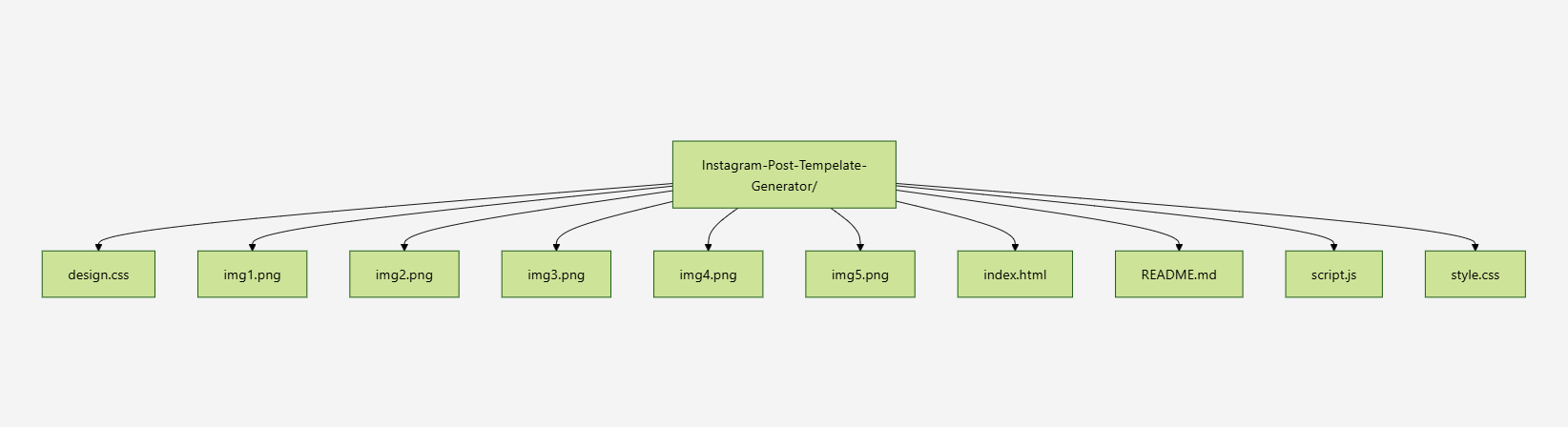
Generate file trees in text format or beautiful Mermaid diagrams for enhanced visualization and documentation.
Manual Input
Create custom file trees by manually entering your project structure or importing from existing documentation.
Create Folder Structure Online
Manually creating files and folders for a new project takes too much time. This folder structure generator lets you map out your directory layout directly in your browser. Once you finish, you can download a complete ZIP file with all your empty folders and files ready to use.

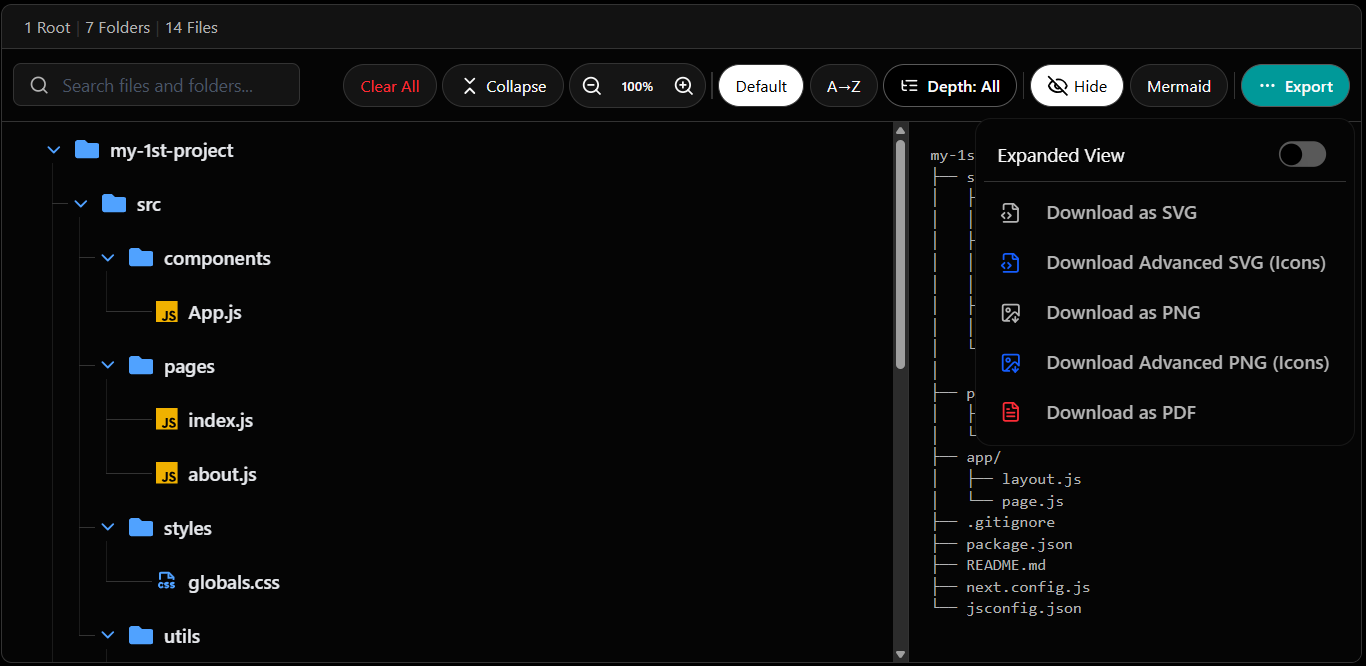
Manual ASCII File Tree Generator
Formatting an ASCII directory tree by hand is difficult and time-consuming. Simply paste your folder paths here, and our tool instantly generates a perfectly formatted ASCII tree or Mermaid diagram. This is the easiest way to add a clear project structure to your GitHub README.
GitHub Project Tree Generator
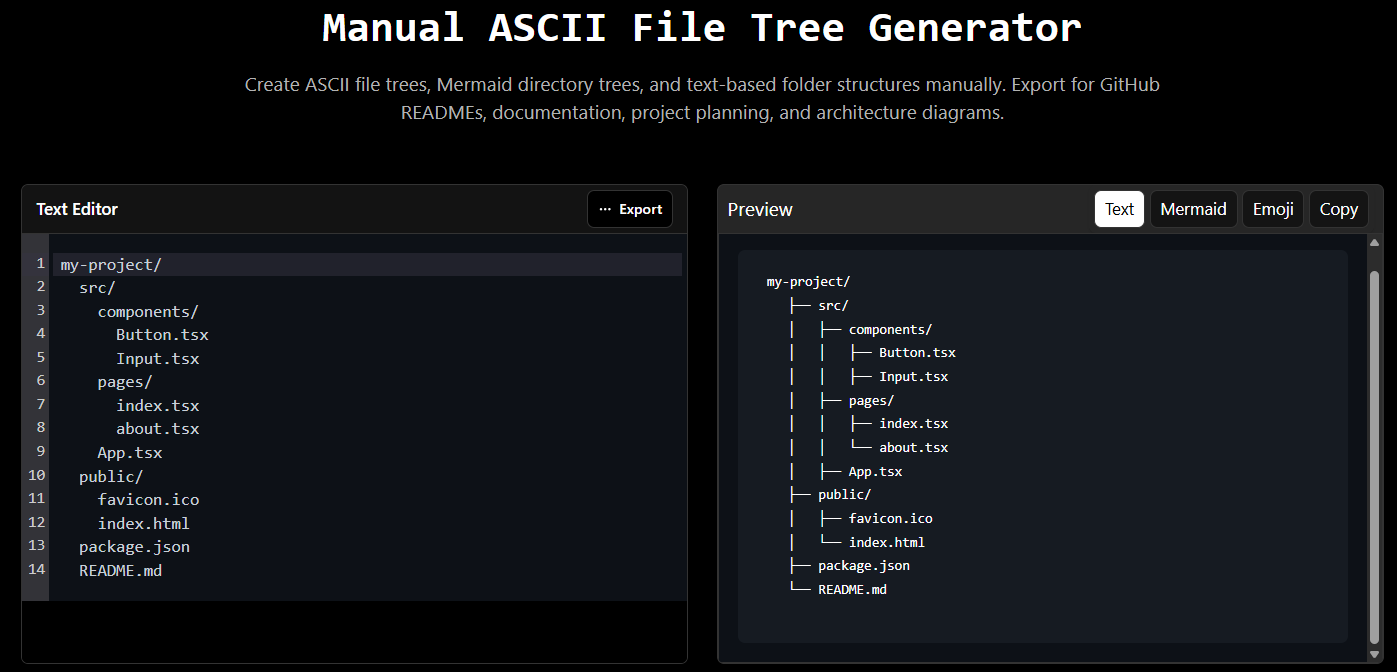
If your repository already exists, you don't need to build the file tree from scratch. Just enter your public GitHub repository URL, and this tool automatically fetches your actual codebase structure. It converts the data into a markdown-ready tree that you can copy directly into your documentation.
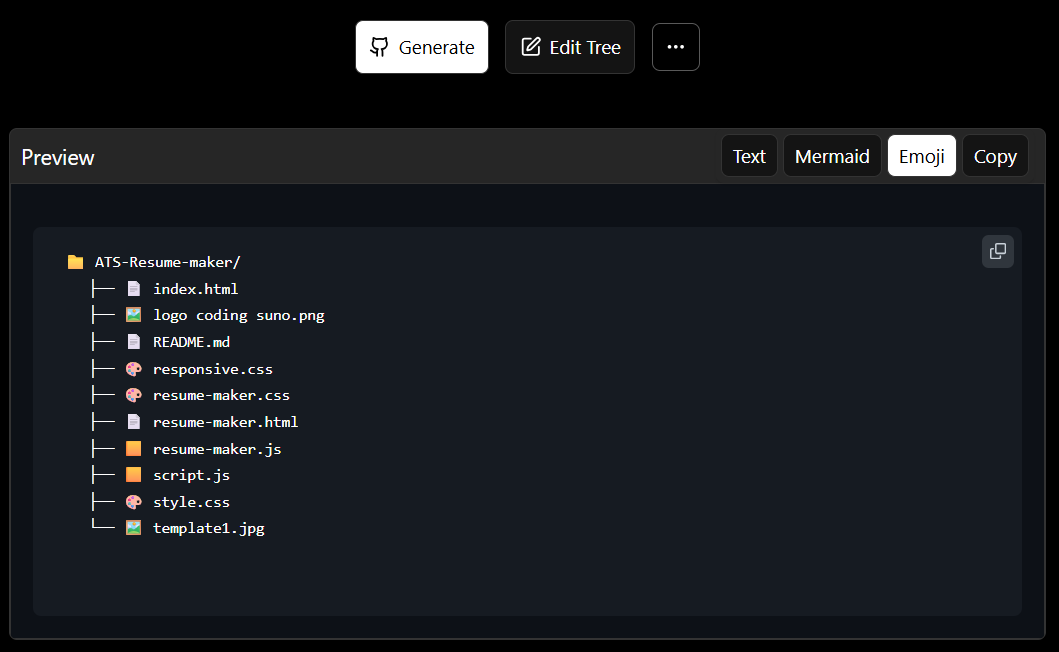

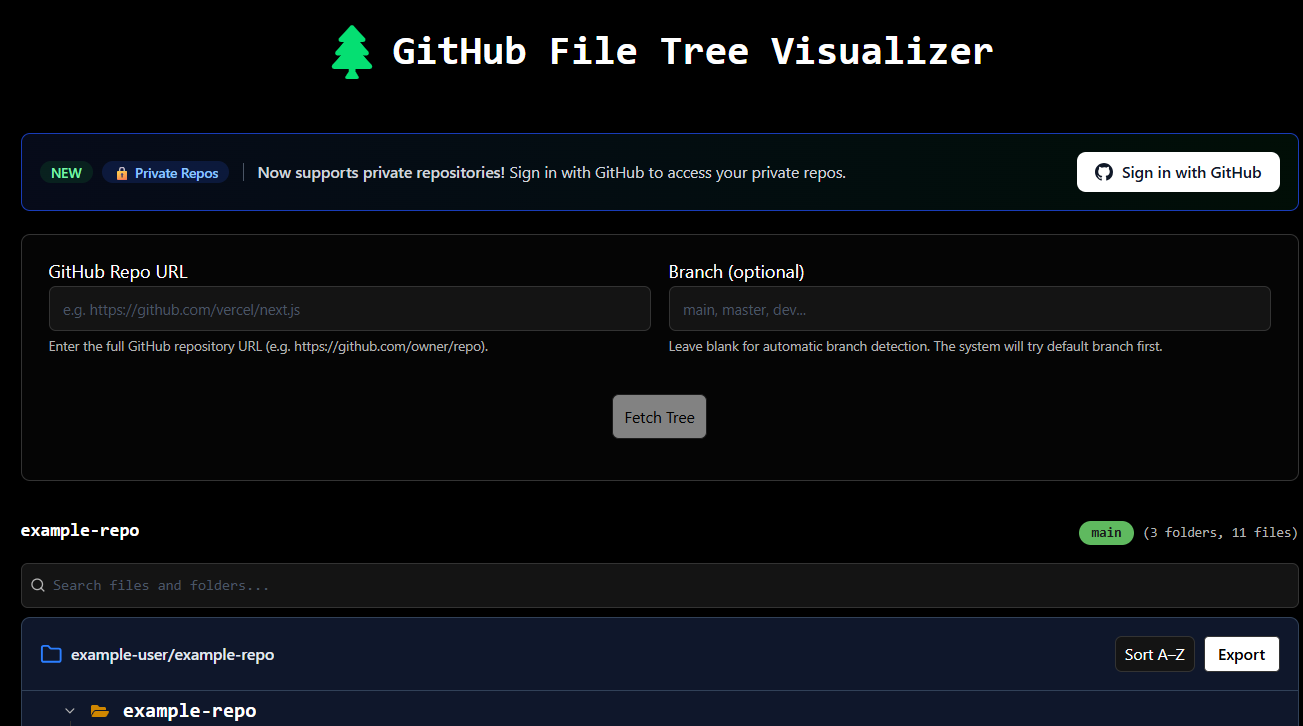
GitHub File Tree Visualizer
Downloading a large open-source project just to view its files is slow. This visualizer turns any GitHub repository into an interactive, IDE-like file tree. You can easily browse deep folder hierarchies, view files, and understand the project architecture directly from your browser.

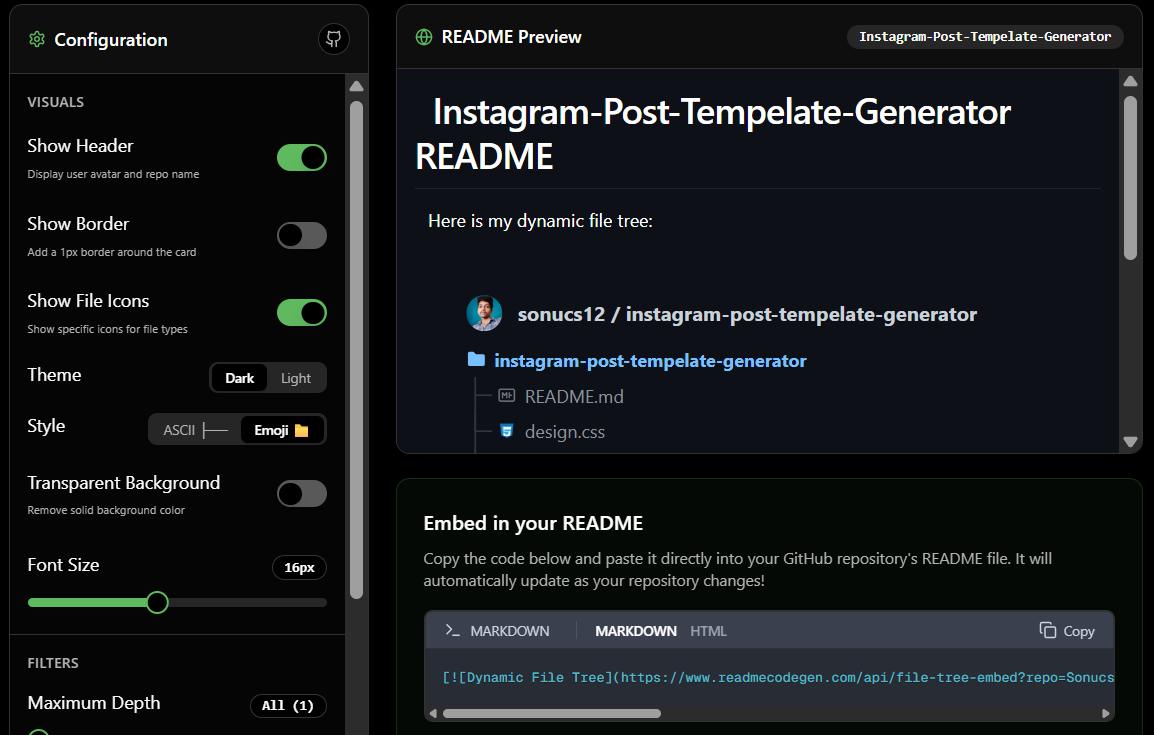
Dynamic GitHub README File Tree
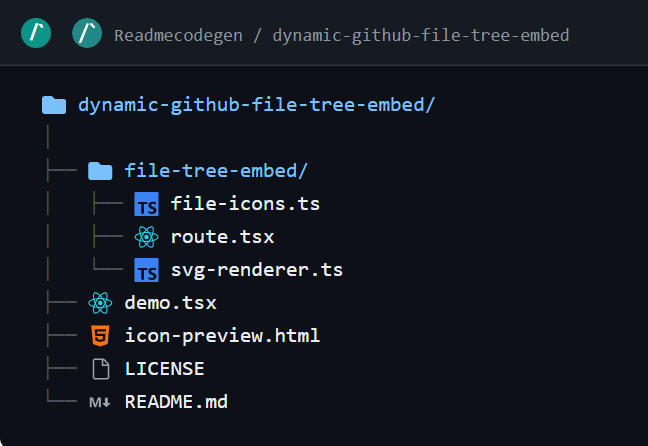
Static file trees in documentation become outdated quickly when you add new files. This generator creates a live, auto-updating SVG file tree that you can embed in your markdown file. Whenever you push code changes to GitHub, your README diagram automatically updates to show the latest structure.

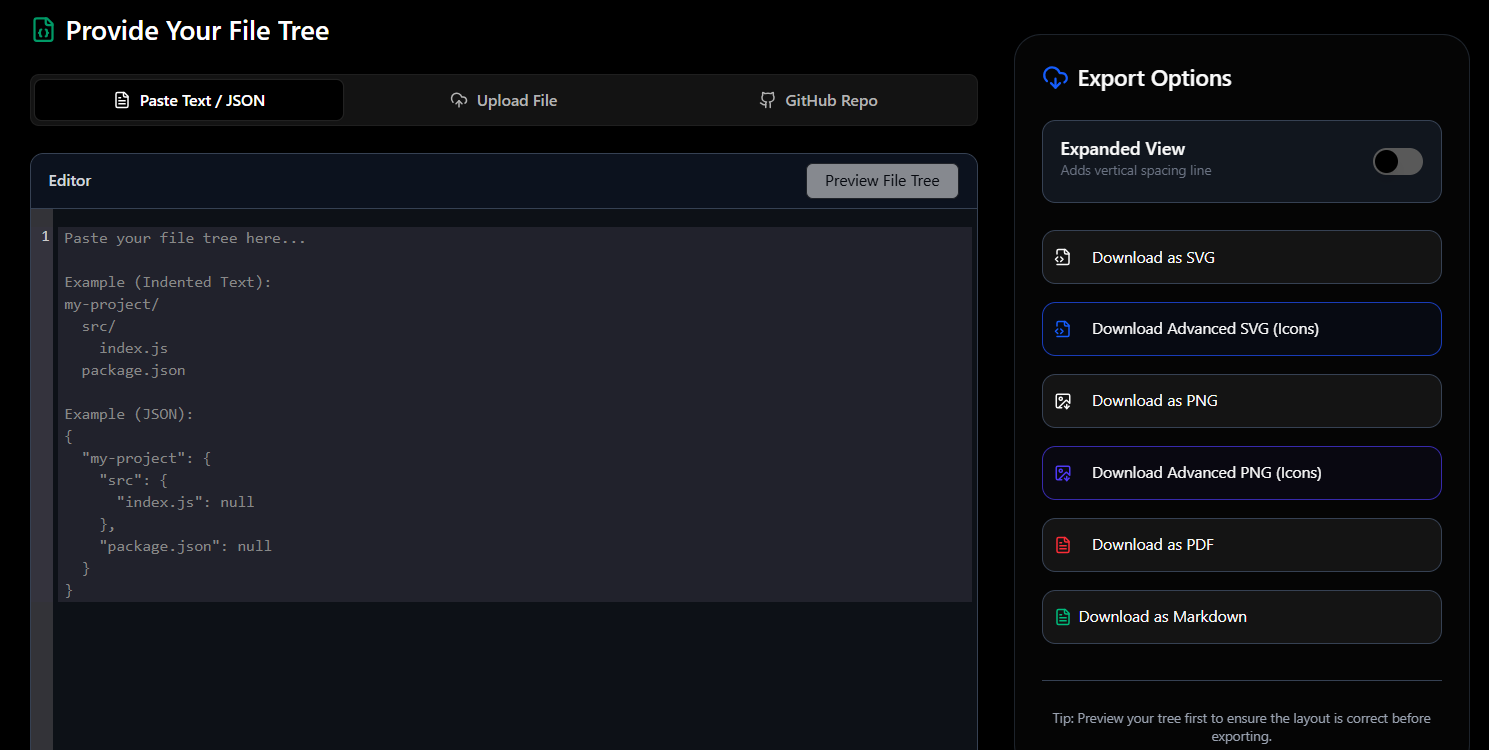
Export File Tree Online
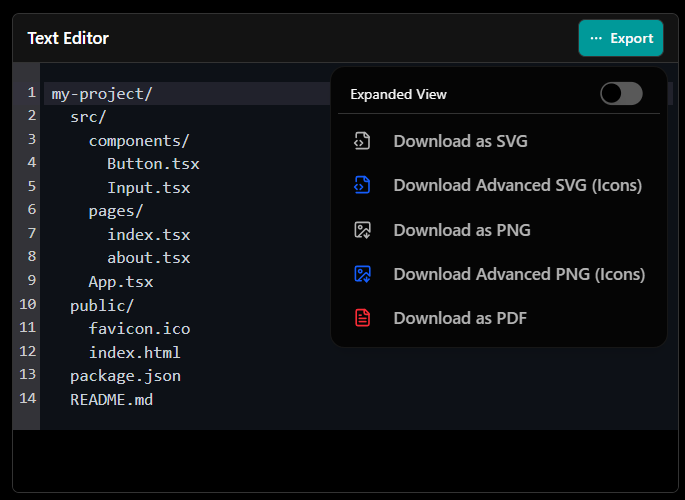
You can easily convert your file tree diagrams into visual formats for presentations or team sharing. This tool allows you to export your codebase visualization as a scalable SVG or a high-resolution PNG image. This looks much more professional than taking a screenshot of your code editor.
Mermaid Diagram Generator & Editor
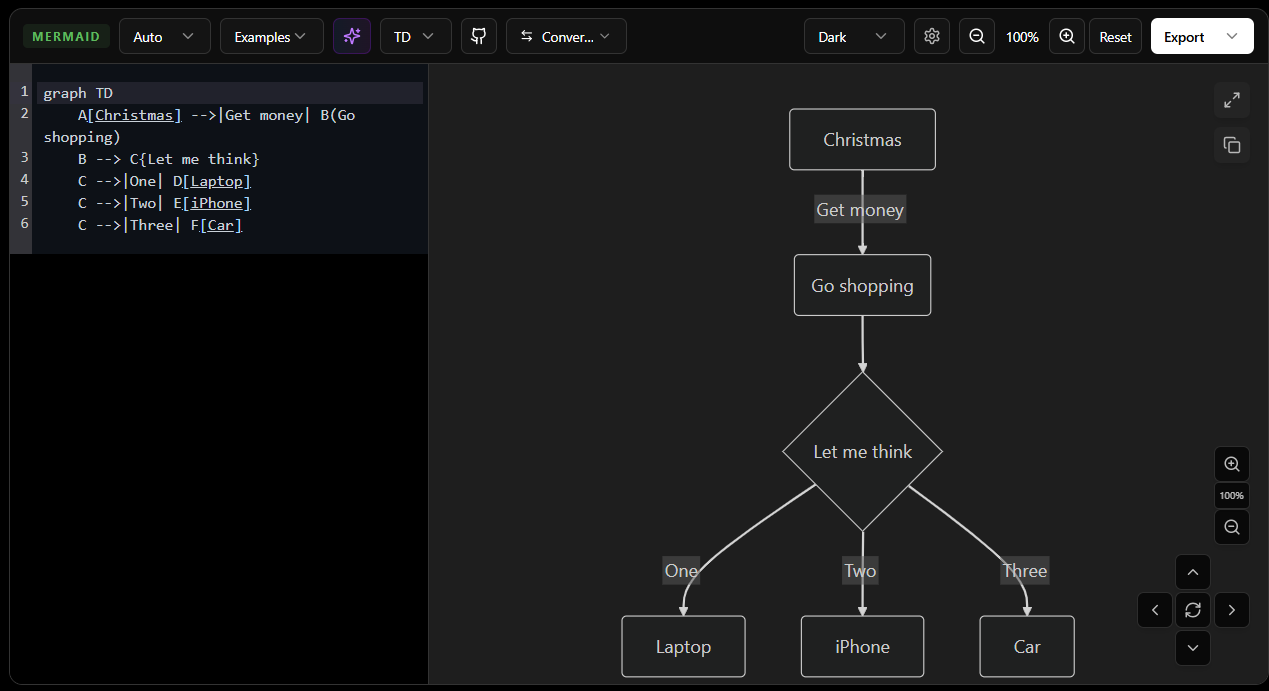
Writing complex Mermaid syntax without seeing the result is difficult. This live editor lets you build flowcharts, sequence diagrams, and architecture maps while viewing the preview in real time. Once your diagram is complete, you can download the final SVG or PNG for your documentation.
Why Choose Our File Tree Generator?
Save hours of manual tree creation with AI automation
Create professional documentation with beautiful visualizations
Enhance project understanding for teams and stakeholders
Generate trees for any programming language or project type
Project Structure
Generated in seconds
├── 📁 src/
│ ├── 📁 components/
│ ├── 📁 pages/
│ └── 📄 App.tsx
├── 📁 public/
└── 📄 README.md
Frequently Asked Questions
Get answers to common questions about our services.