Generate SVG Icons for GitHub Profile & README
Social & Tech Stack Icons
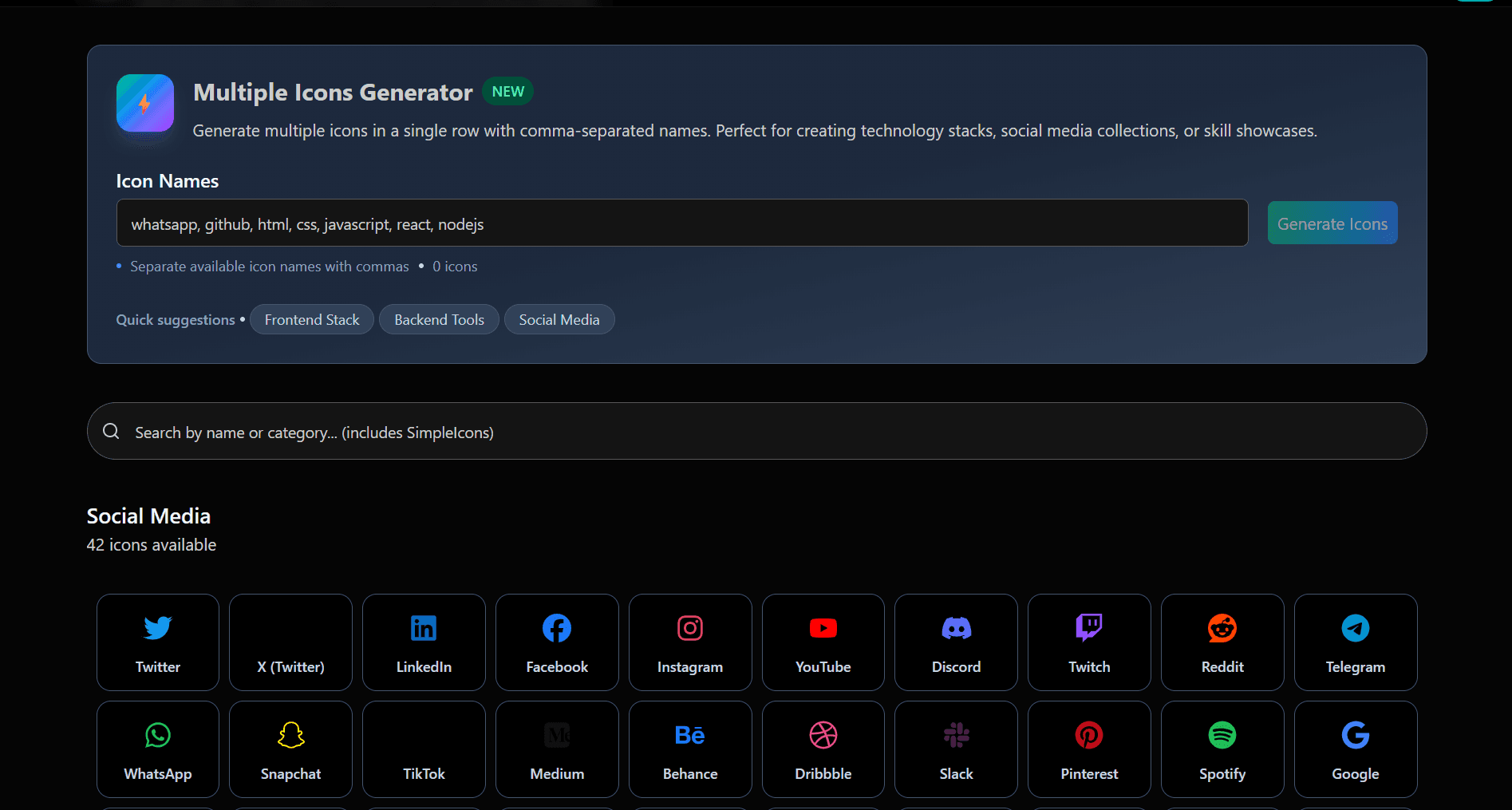
Create customizable SVG icons for GitHub READMEs, profile READMEs, tech stacks, and social links. Browse hundreds of icons, generate Markdown instantly, and add them to your projects with a single click.
See Our Tool in Action
Experience the power of our social icon generator
Why Choose This Tool?
Browse hundreds of icons, customize their appearance, and copy ready-to-use Markdown instantly.
Add Social Links with SVG Icons
Create icons for GitHub, LinkedIn, YouTube, Discord, and more, then copy the Markdown directly into your README.
Copy & Paste Markdown
Generate Markdown instantly and add it to your README in seconds.
Hundreds of Icons
Browse icons for popular technologies, developer tools, and social platforms in one place.
How to Add Icons to Your README
Generate, customize, and copy icons in three simple steps.
Pick a Social Icon
Browse our library of SVG social icons for GitHub README, supporting all major social networks and GitHub-supported profiles.
Customize
Change color, size, and style to create custom social icons for GitHub README that match your project or brand.
Copy & Embed
Copy the markdown code and paste it directly into your GitHub README to embed SVG social icons in Markdown instantly.
Why Use Simple Icons for GitHub README?
No dependencies or setup required
Works across GitHub, GitLab, and other Markdown platforms
Open source with hundreds of available icons
Fast, lightweight, and easy to customize
Embeddable Social Icon
Ready for your GitHub README