README Generator& GitHub Tools forREADME Files, GitHub Profiles, File Trees, SVG Icons, Markdown Badges, Changelog Files, OG Images
Three tools, one place
README maker, online editor, GitHub profile builder — pick what you need.
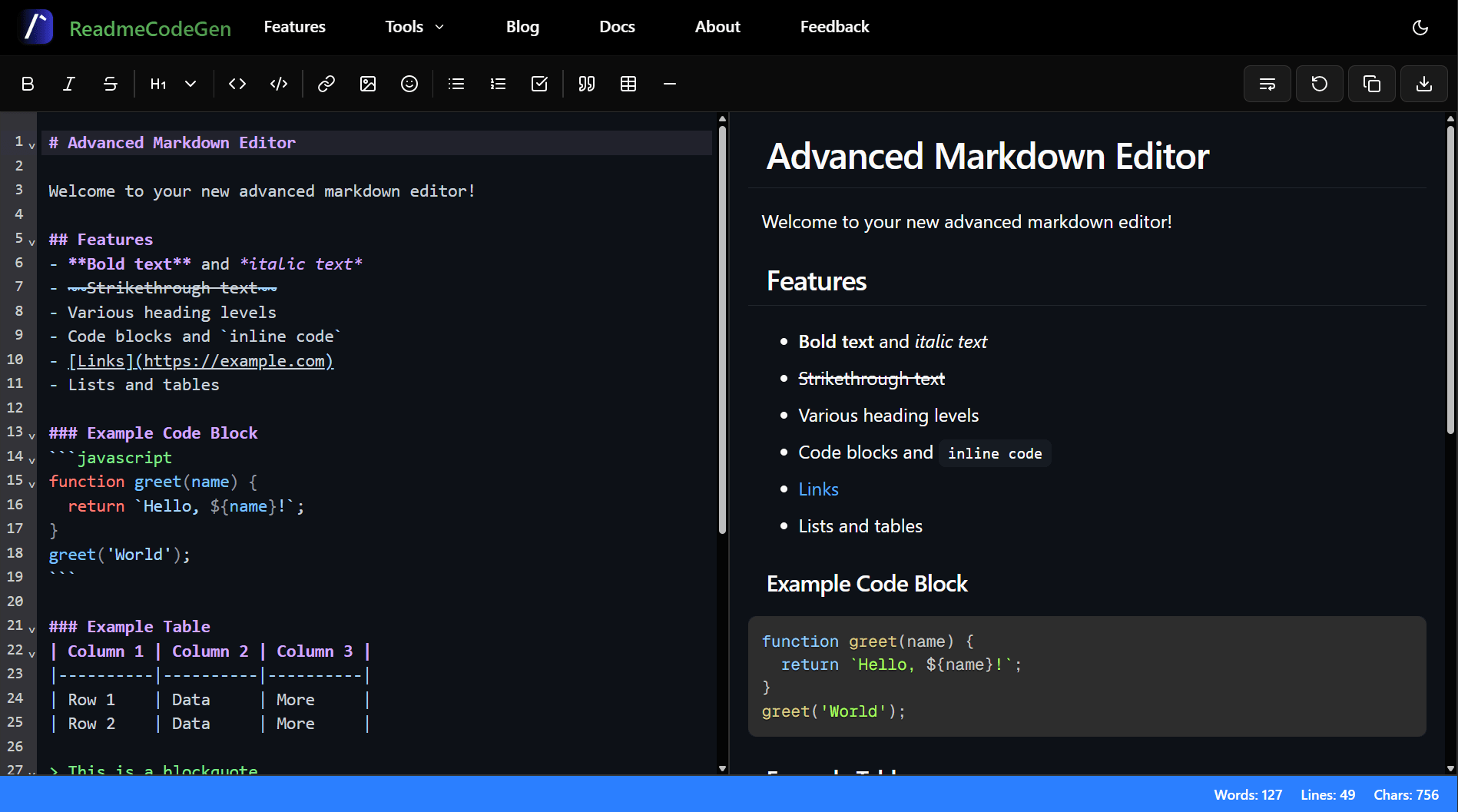
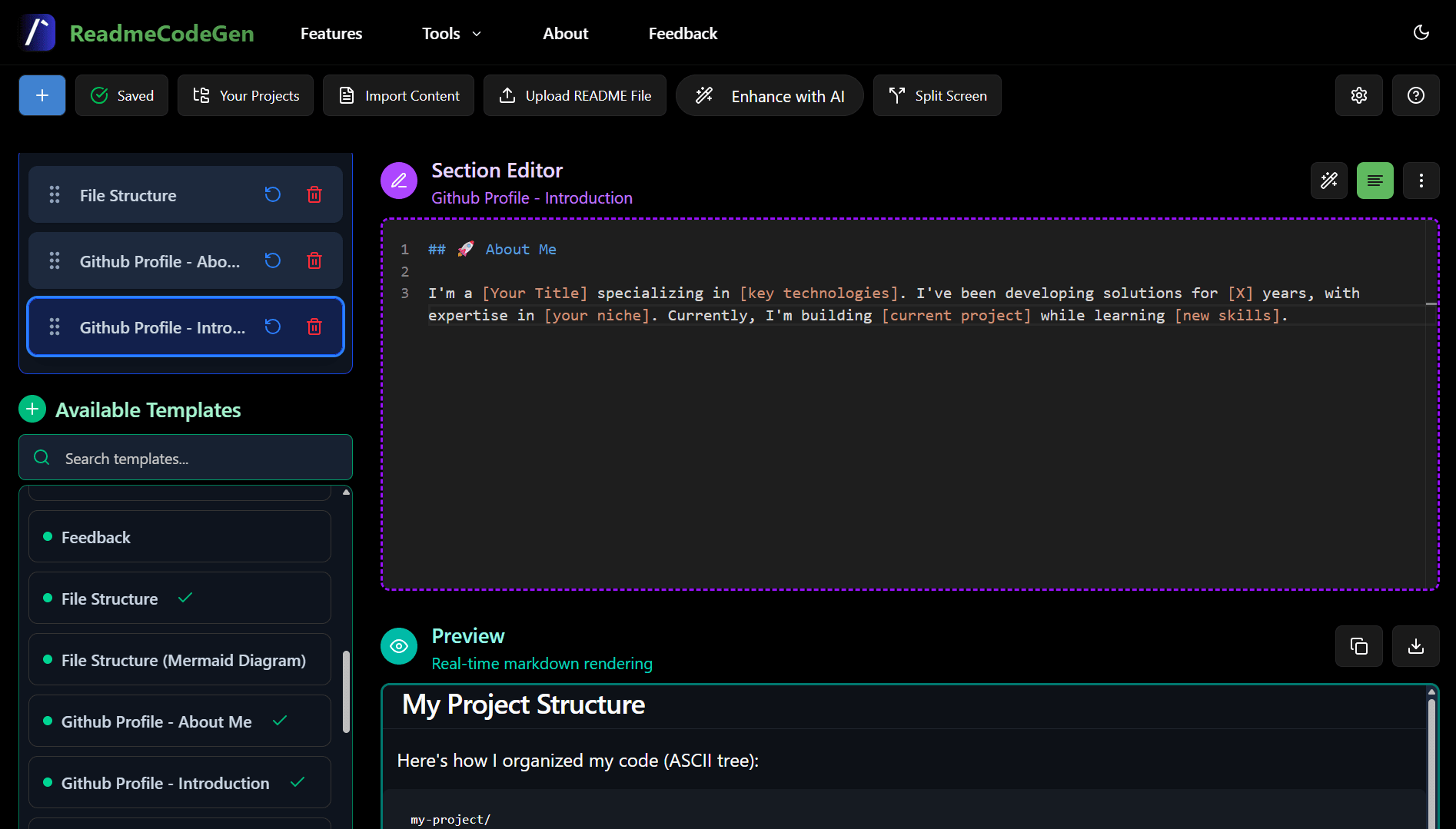
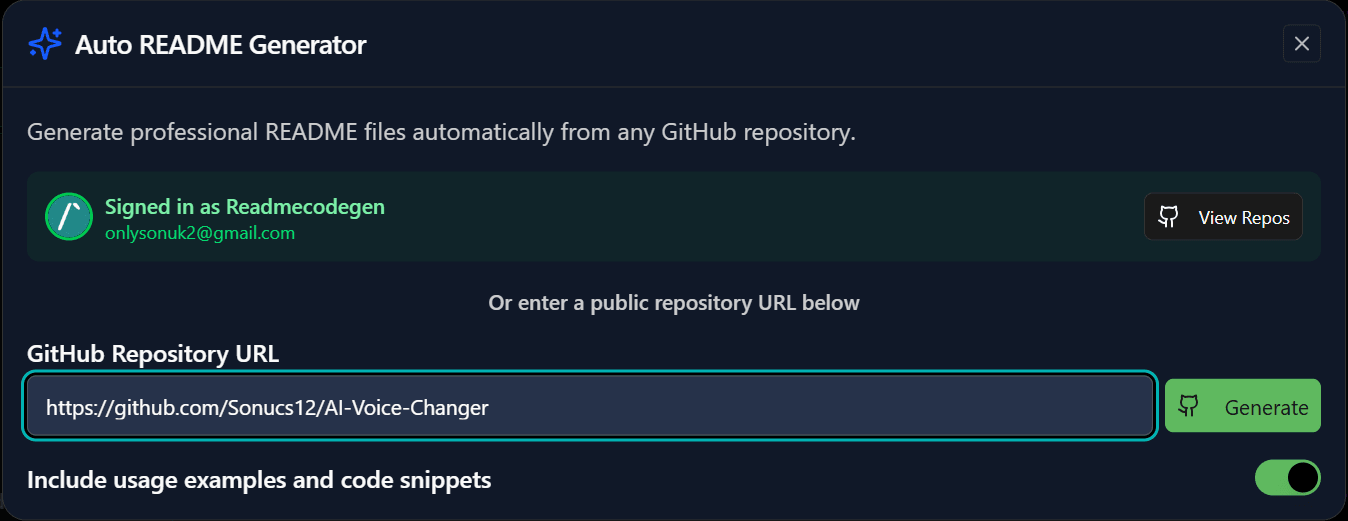
Generate a structured README from your GitHub repo, project notes, or plain text. AI handles the formatting.
Edit Markdown with live preview and one-click export. Works as a standalone editor — no login needed.
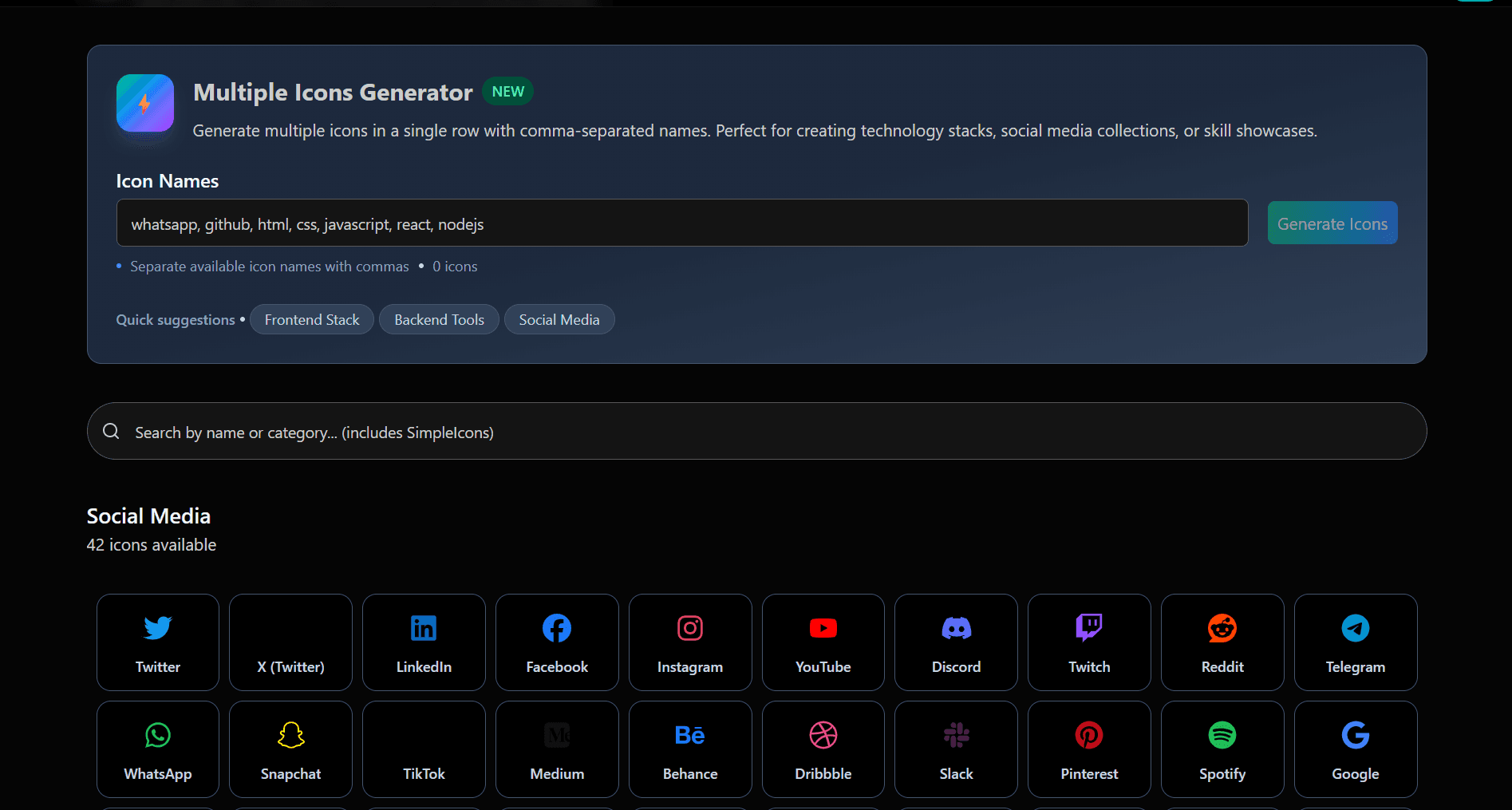
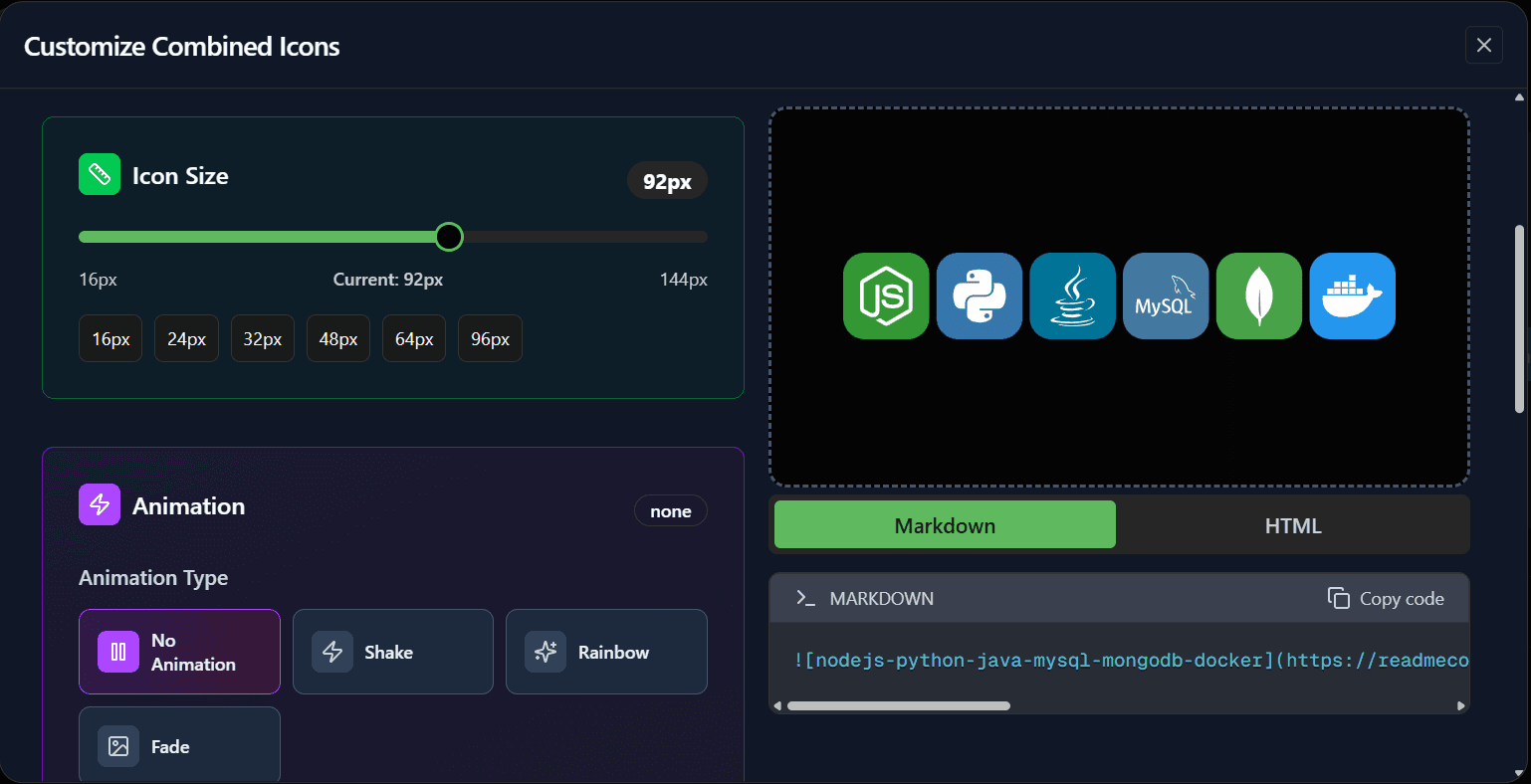
Build a GitHub profile README or visualize your repo's file tree. Export as Markdown, SVG, or PNG.
JSON tools format and validate
Format, validate, and minify your JSON data directly in the browser. Fast, secure, and entirely client-side.
{
"project":"readmecodegen",
"features":["json", "dev", "web"],
"status": true,
"nested": {"key":"value",
"number":42
}
}{ "project": "readmecodegen", "features": [ "json", "dev", "web" ], "status": true, "nested": { "key": "value", "number": 42 } }
Developer tools for daily tasks
A collection of essential developer tools including Regex Tester, Base64 Encoder/Decoder, and more. No servers, instant results.
invalid-email@.com
hello@world.net
Web tools HTML/CSS/JS minifiers
Optimize your web assets with powerful HTML, CSS, and JS minifiers and formatters built directly into your browser.
Explore our tools
README creator, file tree visualizer, OG image generator and more — open without an account.

📝 Changelog Generator
Generate professional CHANGELOG.md files from commit history or manual input.

🖼️ OG Image Generator
Generate open graph images for your website or project in seconds.

👤 GitHub Profile README
Create a standout GitHub profile README with skill charts and interactive elements.
👀 Visitor Badge
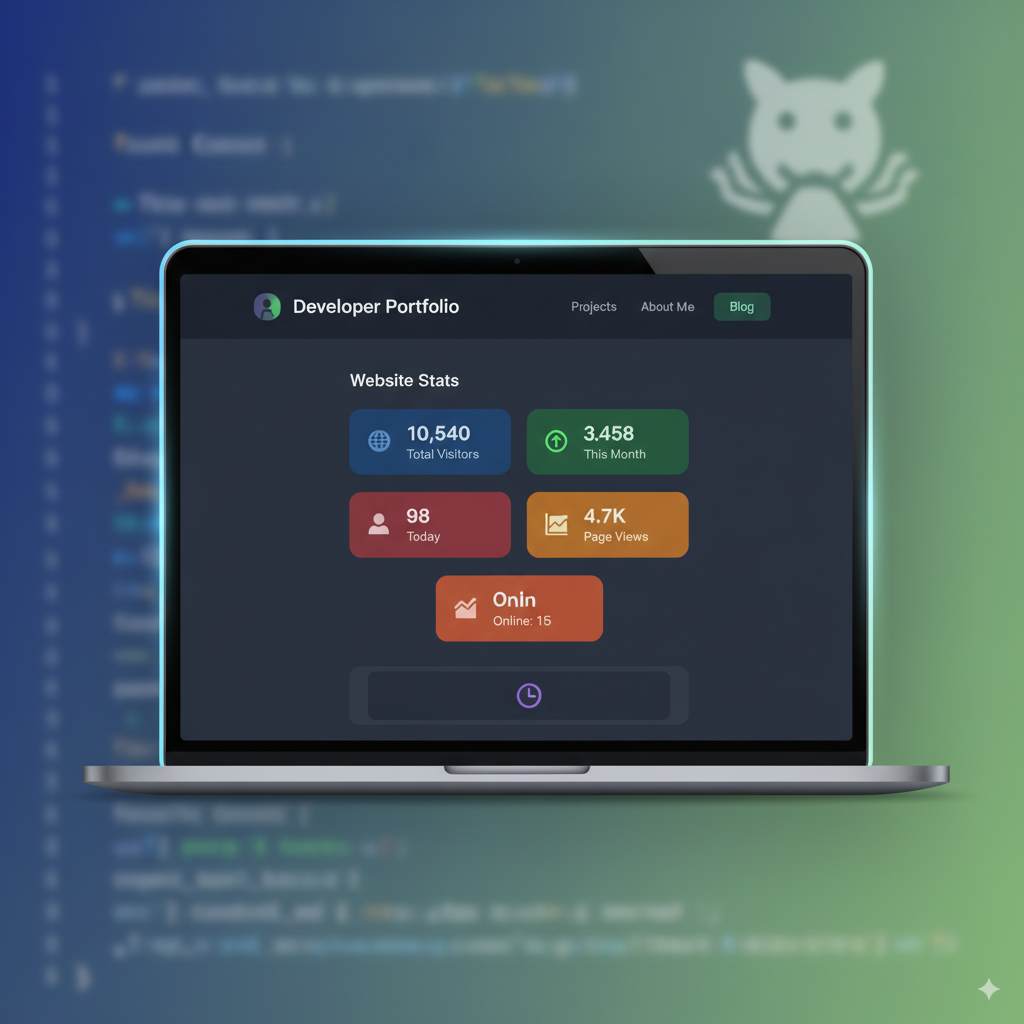
Add a live visitor count badge to your README or website.
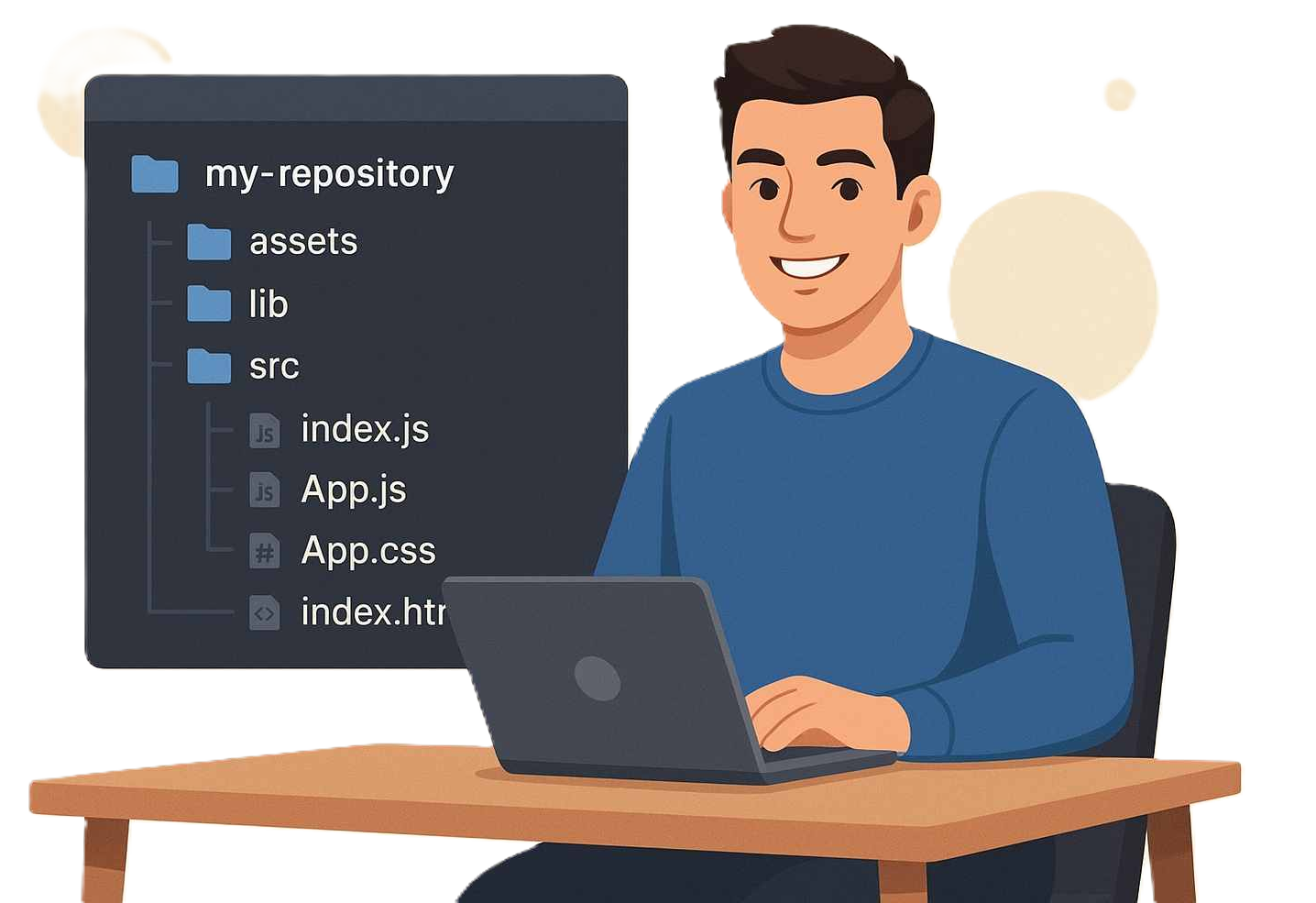
🌳 File Tree Visualizer
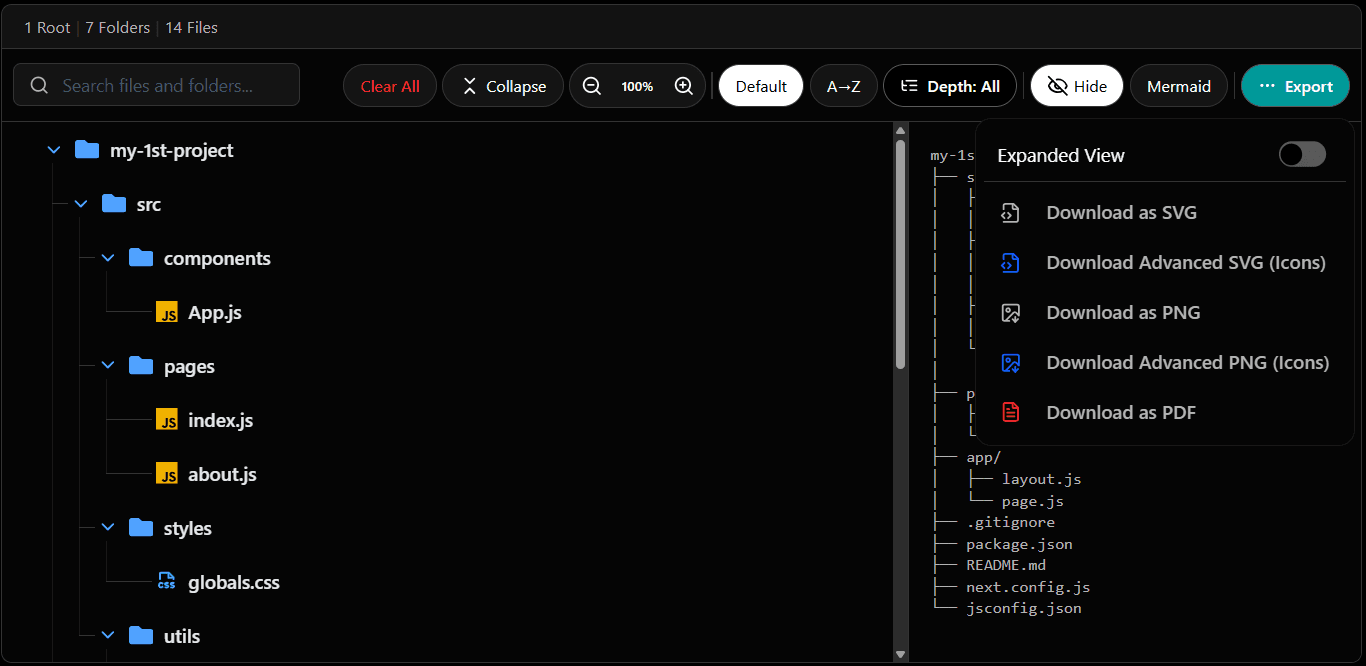
Visualize your GitHub project structure and export as Markdown, SVG, or PNG.
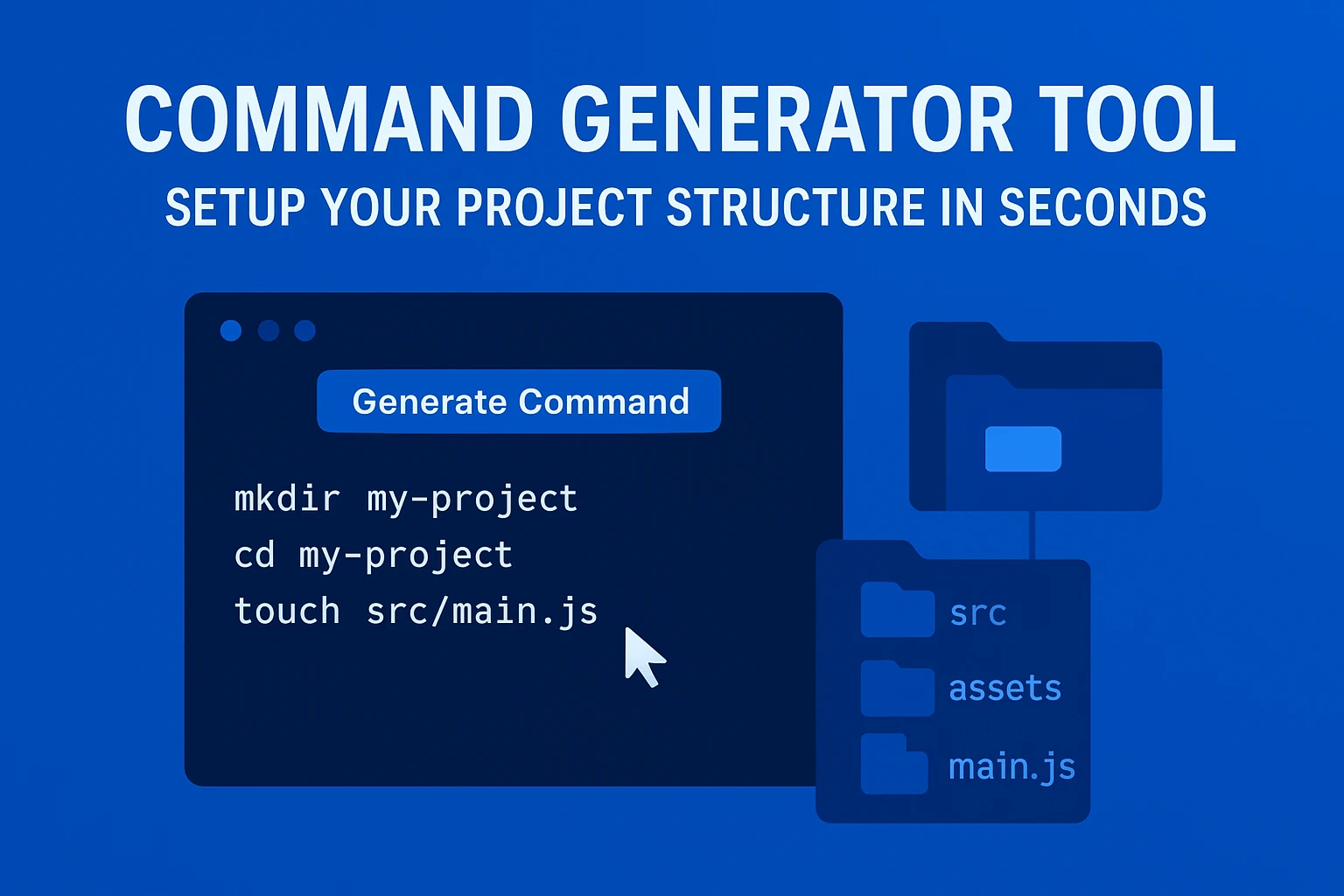
📁 Folder Structure Generator
Build a folder structure visually and get the terminal commands to create it.
README in 4 steps
From blank file to polished README in under two minutes.
Pick your input
Paste project details, link a GitHub repo, or start from a template.
Add your content
Fill in the sections that matter — skip what you don't need.
Generate with AI
AI turns your input into a well-structured, readable README.
Download your file
Preview and download the .md file — ready to commit.
Growing with the developer community
Thousands of developers have used ReadmeCodeGen to document projects, generate README files, and visualize repository structures more efficiently.
Total Visitors
User Feedback
Feedback, suggestions, feature requests, and bug reports from developers using ReadmeCodeGen.
Sergio
Rating: 5/5
Type: general
Una buena herramienta para el manejo de archivos y carpetas, en el diseño de estructuras. Saludos
Rishav
Rating: 5/5
Type: support
I am supporting you with ₹80. I have used readme generator tool , file tree tool and md to pdf m it's really good tool.
Anonymous
Rating: 4/5
Type: bug
I Have Found It Does Not support Some emogies Code
Vishv
Rating: 5/5
Type: general
Best Tool for Converting MD Code Into PDF
kaushal
Rating: 4/5
Type: bug
there is login problem i am not able to login with github
Anonymous
Rating: 1/5
Type: improvement
mmmmmmmmmmmmmmmmmmm
Abdias
Rating: 5/5
Type: general
C'est un très bon outil je l'ai très bien apprécie Je félicite beaucoup l'équipe qui a réalisé ce travail :)
Pragati
Rating: 5/5
Type: feature
Repository health features is good for me help it to analyse the repo activity
Anonymous
Rating: 2/5
Type: general
Guys its very hard/impossible to just change the order of the folders
Shukrana
Rating: 5/5
Type: support
You need support 50 rupees sent
Shreyansh kumar
Rating: 5/5
Type: general
This website is really good, repo health feature is very new for me and i really loved it
Nisar
Rating: 5/5
Type: general
Good 👍 excellent
Aadil
Rating: 4/5
Type: feature
is there any way to download the github file tree as svg or png image
Andrew Miller
Rating: 2/5
Type: feature
Would love it if there were a way to copy-paste a text rendering of the file structure with limited depth. I mean if instead of having to copy everything you could have it go down a number of subdirectories, or just include subdirectories without files. The reason is I wanted to copy-paste a repo into ChatGPT and ask for it to summarize but the text is too long. If I could copy-paste an abbreviated file structure then it might not be too long. Would save me from having to shrink it myself.
ReadmeCodeGen
Rating: 4/5
Type: improvement
The current trial limit is small because the app depends on AI APIs that have strict rate limits and costs. As an independent project running on free API credits, I need to limit usage so the service remains available for everyone. I understand that 2 uses may feel restrictive, and I will try to increase the limit as resources allow. I appreciate your feedback and patience.
35
Rating: 1/5
Type: general
435345рпврарваавар
NATA
Rating: 1/5
Type: bug
Т.е. вы серьёзно даёте лимит в 2 использования на пробном периоде, когда этого даже не хватает для того, чтобы проиндексировать достаточно небольшой по размеру проект, чтобы протестировать основную вашу функцию? Вы педики?
Anonymous
Rating: 4/5
Type: feature
How to rearrange folders or sort alphabetically?
Tony B
Rating: 4/5
Type: feature
Pretty great first impression, as a fan of markdown and mermaid diagrams being able to design object based and produce diagrams for repos is amazing. One feature that is not obvious to me is being able to reorder or alphabetize folders in this particular app. The vertical lines to signify dragging would be the most standout way of going about that :) Thank you for taking the time to read this.
Anonymous
Rating: 4/5
Type: bug
In pdf to txt convertor, ai reads the watermark too...


